Iconography
System icons symbolize common actions, files, devices, and directories.
Design principles
Concept
System icons are designed to be simple, modern, friendly, and sometimes quirky. Each icon is reduced to its minimal form, expressing essential characteristics.
Icon shapes are bold and geometric. They have a symmetrical and consistent look, ensuring readability and clarity, even at small sizes.
Grid and Keyline shapes
Icon sizes
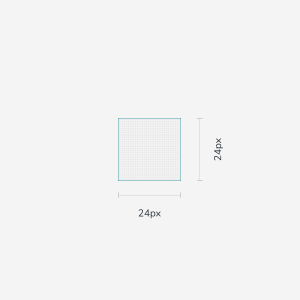
100% scale
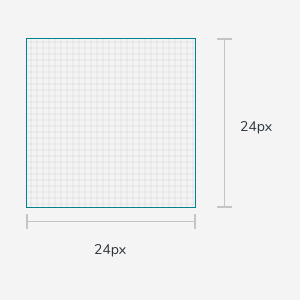
1000% scale
Dense layout
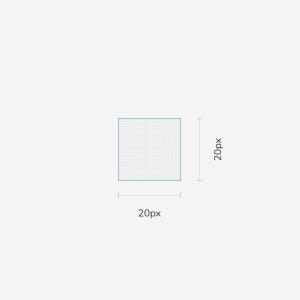
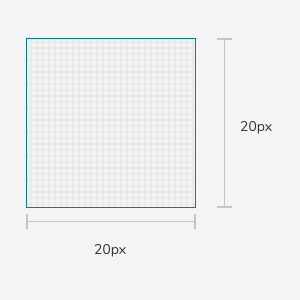
On desktop, when the mouse and keyboard are the primary input methods, measurements may be scaled down to 20dp.
Color
Icons on light background
Active icon
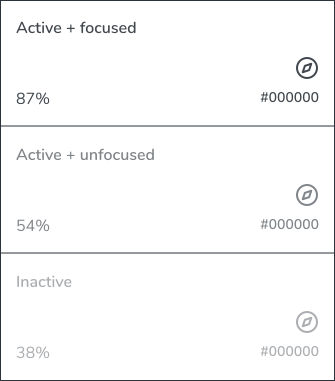
The standard opacity for an active icon with focused state on a light background is 87% (#000000). An active with unfocused state is 54%.
Inactive icon
An inactive icon, which is lower in the visual hierarchy, should have an opacity of 38% (#000000).
Color
Icons on dark background
Active icon
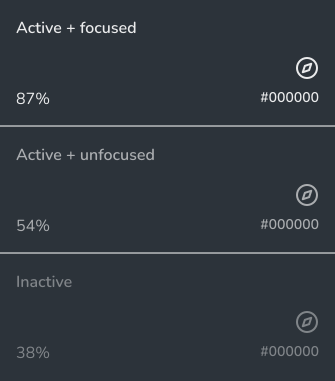
The standard opacity for an active icon with focused state on a dark background is 100% (#FFFFFF). An active with unfocused state is 70%.
Inactive icon
An inactive icon, which is lower in the visual hierarchy, should have an opacity of 50% (#FFFFFF).
Icon themes
The Brand icons was carefully selected to create custom design system system icon feel : outline, corner radius, and color.
Outline icons
Outlined icons customize stroke and fill attributes for a light, clean style that works well in dense UIs. The stroke weight of outlined icons can be adjusted to complement or contrast the weight of your typography.
Sharp icons
Sharp icons display corners with straight edges, for a crisp style that remains legible even at smaller scales. These rectangular shapes can support brand styles that aren’t well-reflected by rounded shapes.
Rounded icons
Rounded icons use a corner radius that pairs well with brands that use heavier typography, curved logos, or circular elements to express their style.
Corner radius
An icon’s corner radius consists of curved exterior corners. Icons can be are characterized by a larger corner radius or a smaller one.